Hi 👋,
my name is
Andrii YakovlievI'm a Frontend Developer
Download My CV
Creating interfaces that bring ideas to life!
keyboard_double_arrow_down
About Me
My name is Andrii, and I'm a Frontend Developer. My specialization is creating user-friendly and responsive interfaces. My main goal is to continuously improve my skills and create projects that benefit users.
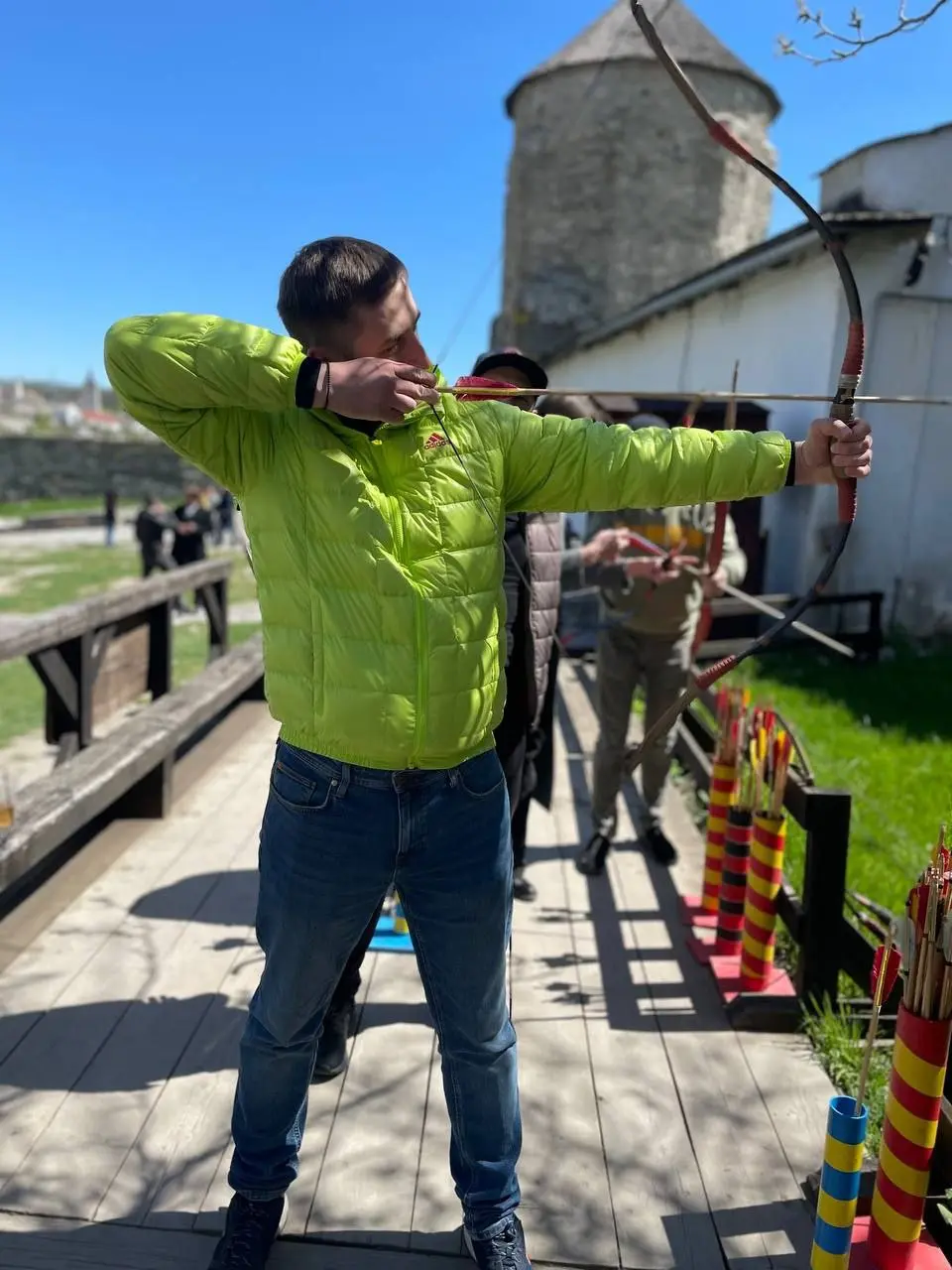
I completed the "Freelancer for Life" course, where I gained basic knowledge in HTML and CSS. During the Web Star courses, I acquired knowledge in JavaScript. I'm currently actively studying React and improving my skills in responsive design.
I always strive for perfection in my work and pay attention to detail. This allows me to create high-quality products.
If you are looking for a motivated and responsible developer, I would be happy to discuss potential collaboration.


Certificates
Skills
Work with

HTML

CSS

Saas

JavaScript

VSCode

GitHub

Email.js

Swipper.js

Pagination.js

noUiSlider
In progress

TilWild

GIT

TypeScript

React

Node.js
Projects
Portfolio Andrii Yakovliev
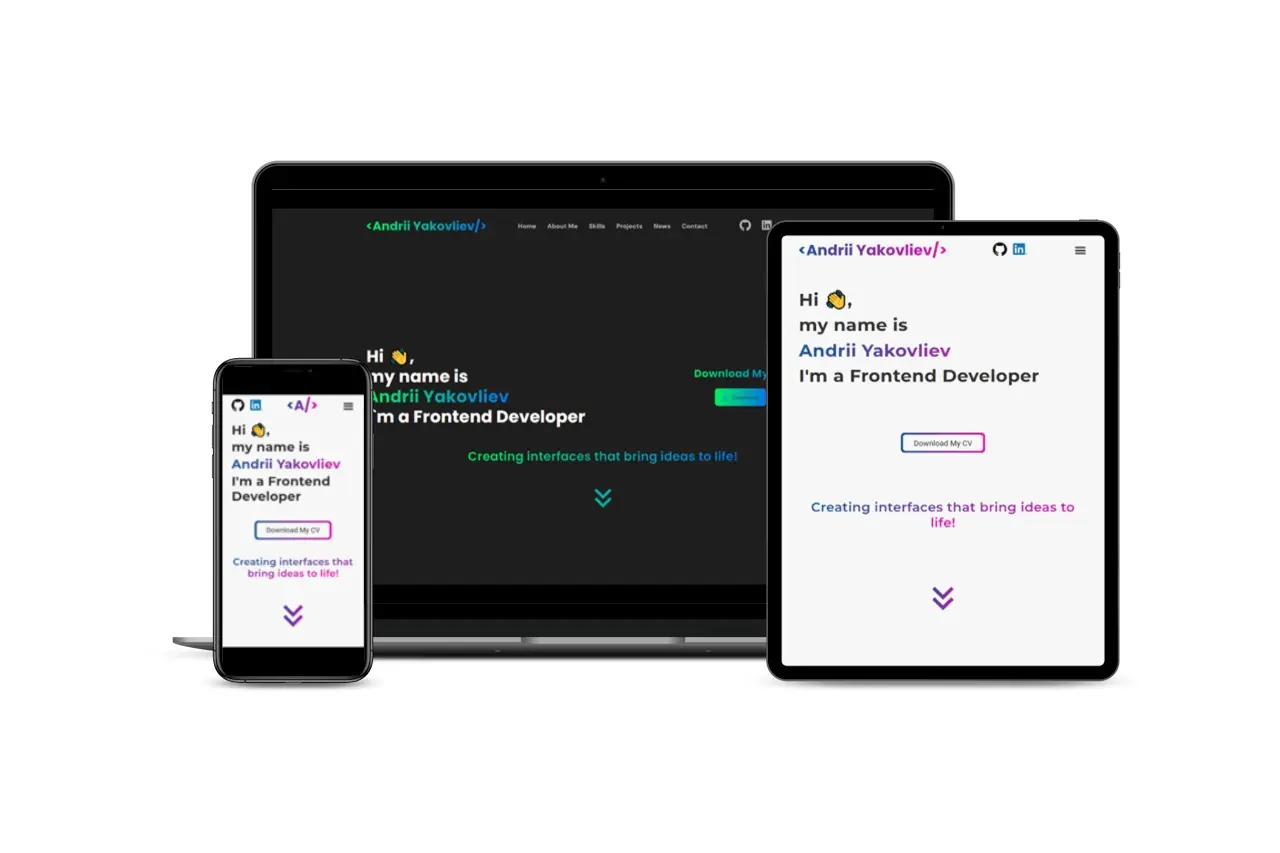
Design and Development of Andrii Yakovlev's Portfolio
- Logo changes on screen size reduction
- Moving the logo and social media icons from the center of the menu to the outside
- Language and color customization for the website
- Implementation of text printing on the homepage
- Transitioning images into a slider using Swiper.js
- Creating a tabbed menu for projects
- Integrating a blog with LinkedIn
- Configuring the submission form using Email.js
- CV upload feature
- Responsive design for desktop, tablet, and mobile devices
- Utilization of CSS Grid and CSS Flex
- Worked with the Gulp build template
Tech stack: HTML, CSS, JavaScript
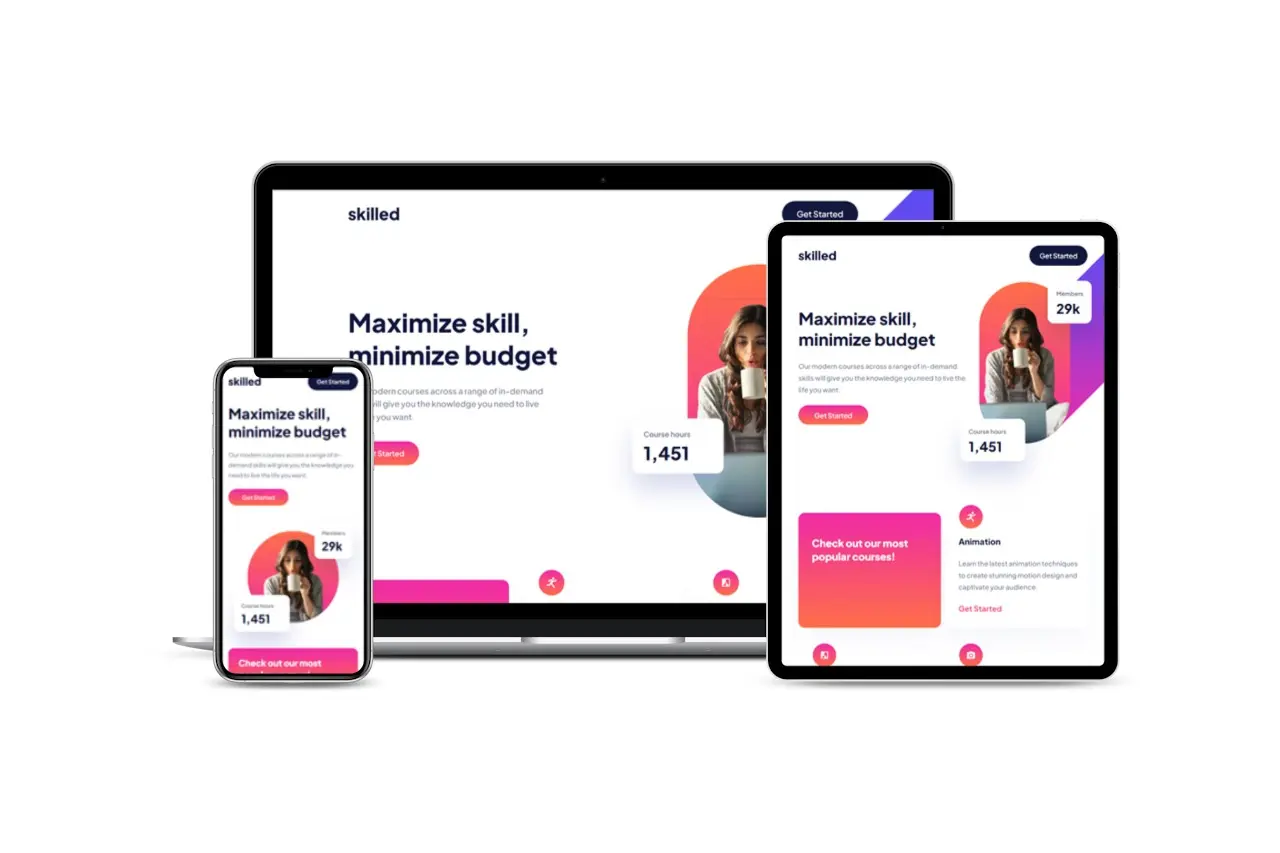
Skilled
Responsive landing-page with using VSCode and Figma
The task is to build out this landing page and get it looking as close to the design as possible. Users should be able to: View the optimal layout depending on their device's screen size See hover states for interactive elements
Realization: I was creating a landing page using CSS Grid and CSS Flex. Responsive design with constant image position change and image change when viewed on a mobile phone (was implemented using JavaScript). Smooth adaptation of all elements, fonts, and indents to change the screen size.
Tech stack: HTML, CSS
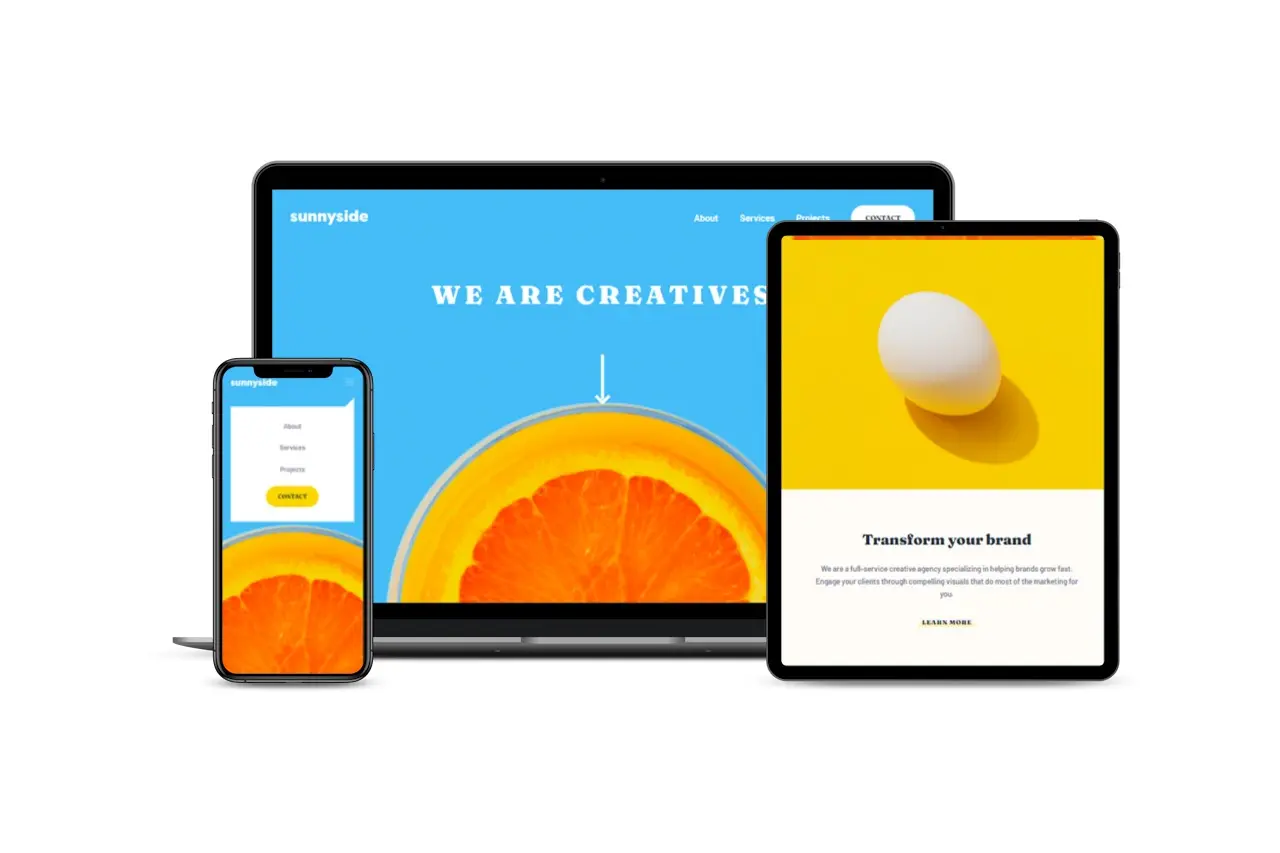
Sunnyside Agency
Responsive landing-page with using VSCode and Figma
Simply Landing Page where users should be able to: - View the optimal layout for the site depending on their device's screen size - See hover states for all interactive elements on the page
Tech stack: HTML, CSS
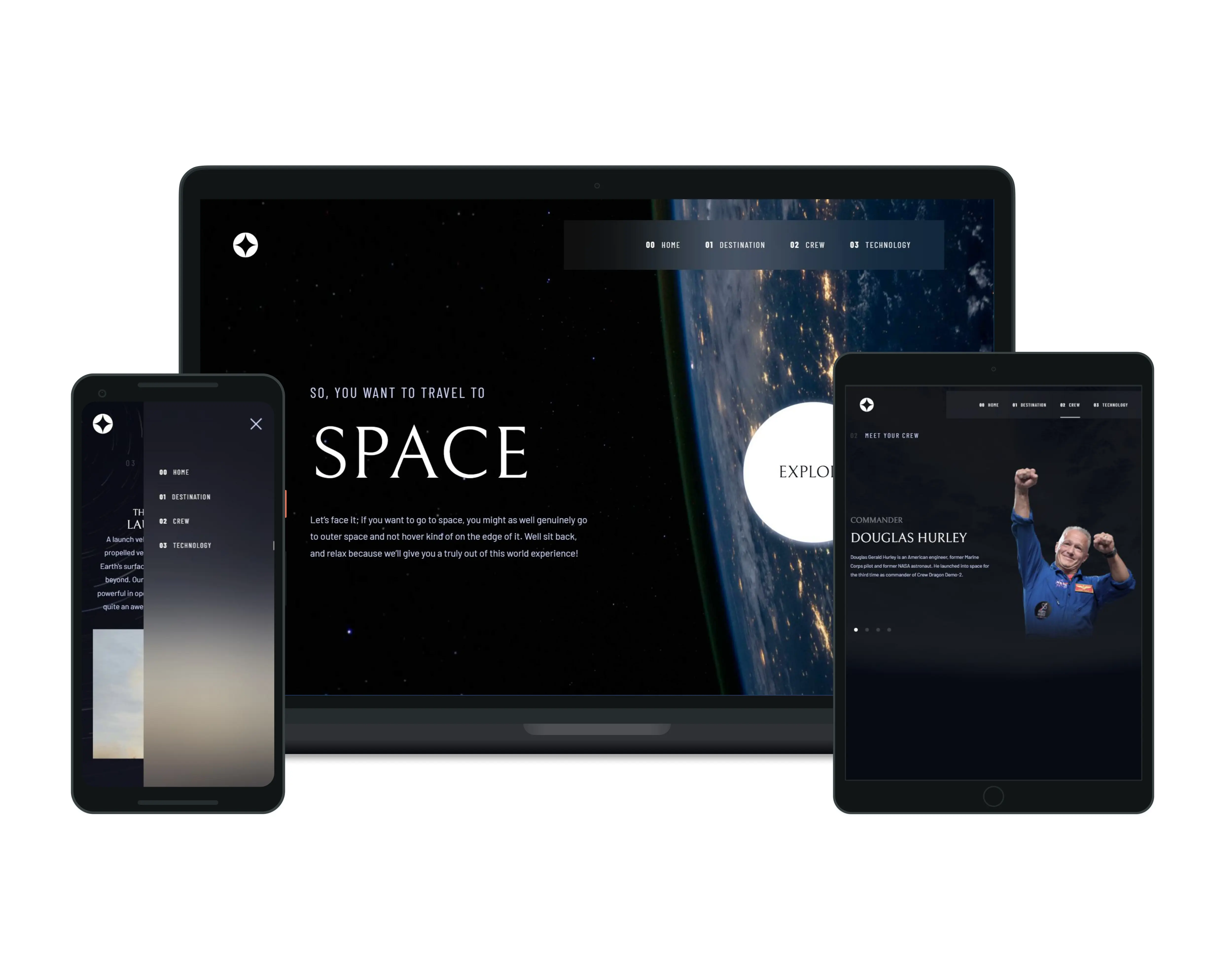
Space Tourism Website
Responsive component with using VSCode and Figma
Tab navigation to view new information on each page
Responsive design for optimal display on various devices
Animated hover effects for interactive elements
Tech stack: HTML, CSS, JavaScript
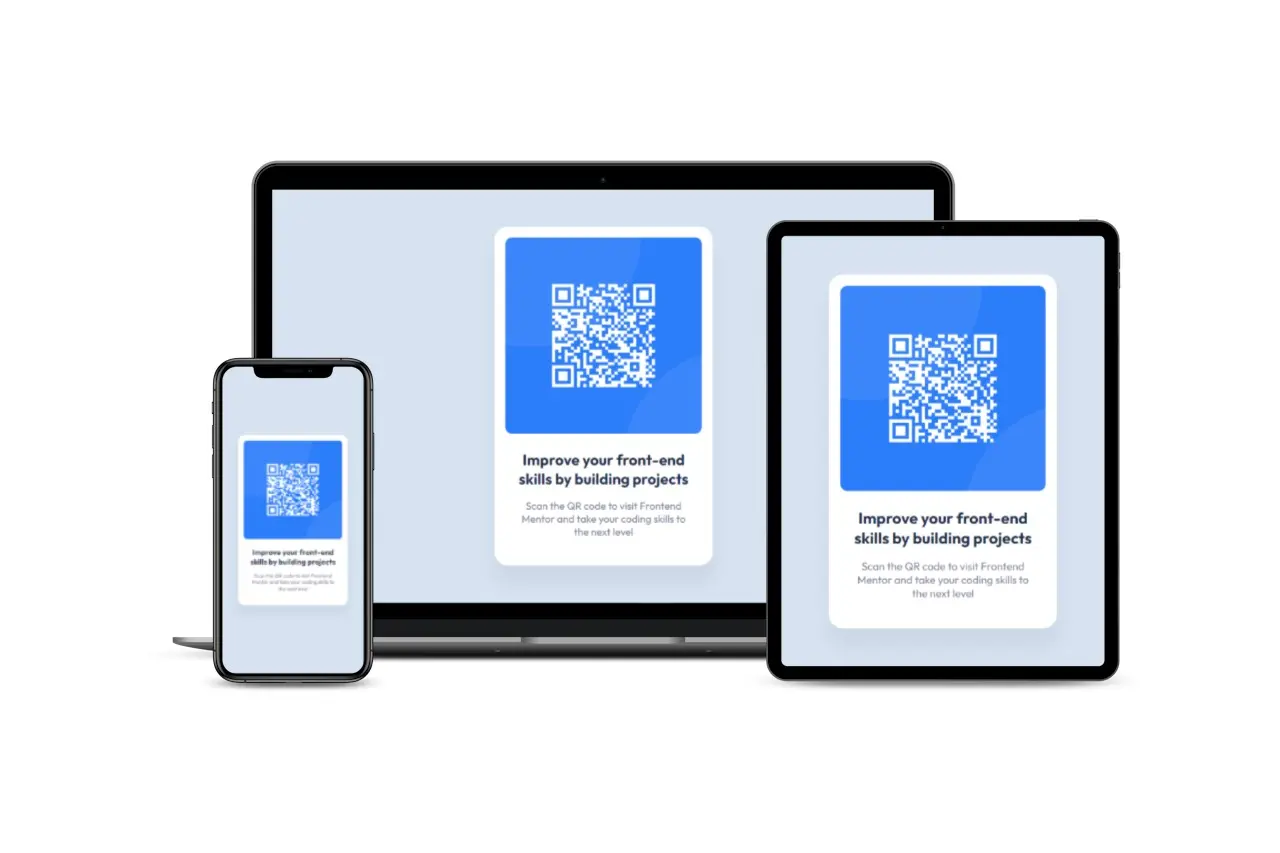
QR Code
Responsive component of QR-Code with using VSCode and Figma
The task is to build out the QR code component and get it looking as close to the design as possible. Adaptive for tablets and mobiles.
Tech stack: HTML, CSS
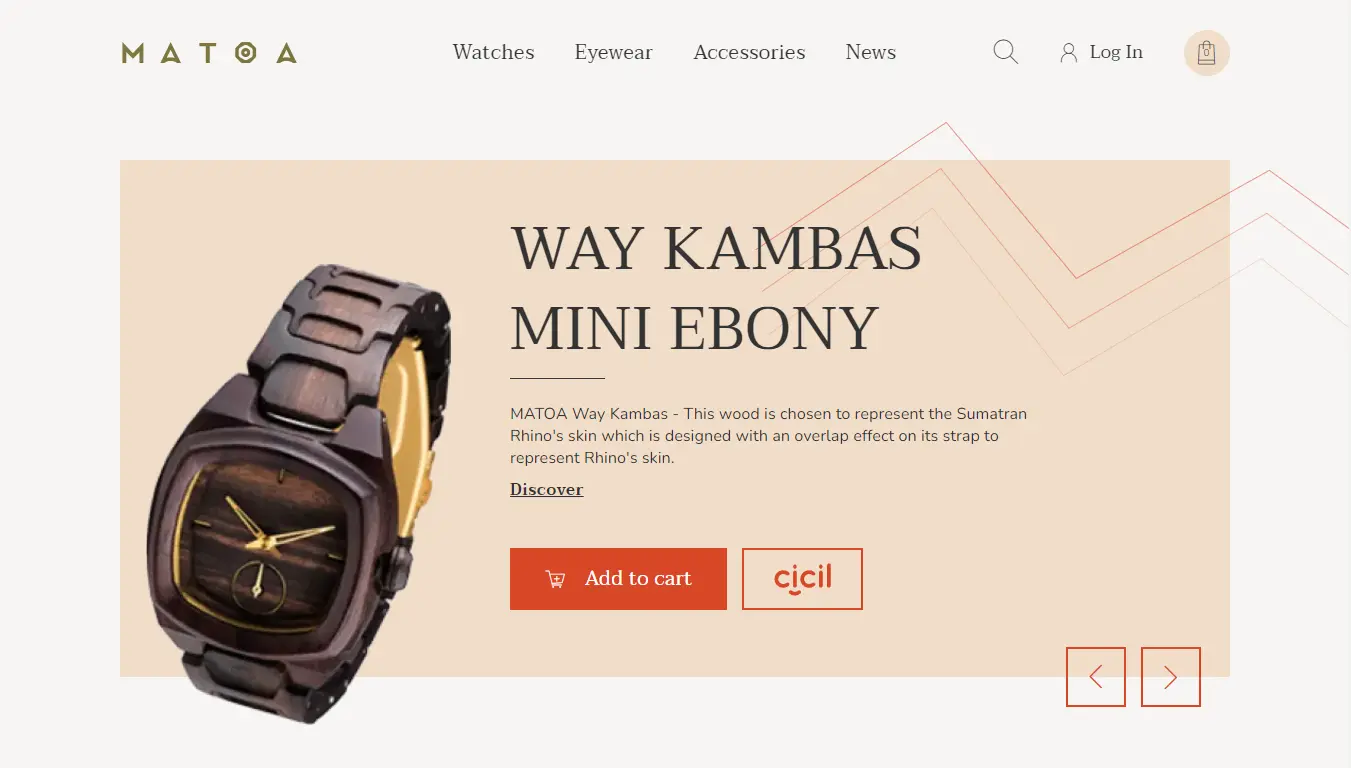
Examination work.
Examination work on creating sites for "Freelancer for Life" courses
Creating an online store, where I used JavaScript for the first time. It is also a practice of working in a team
Tech stack: HTML, CSS, JavaScript
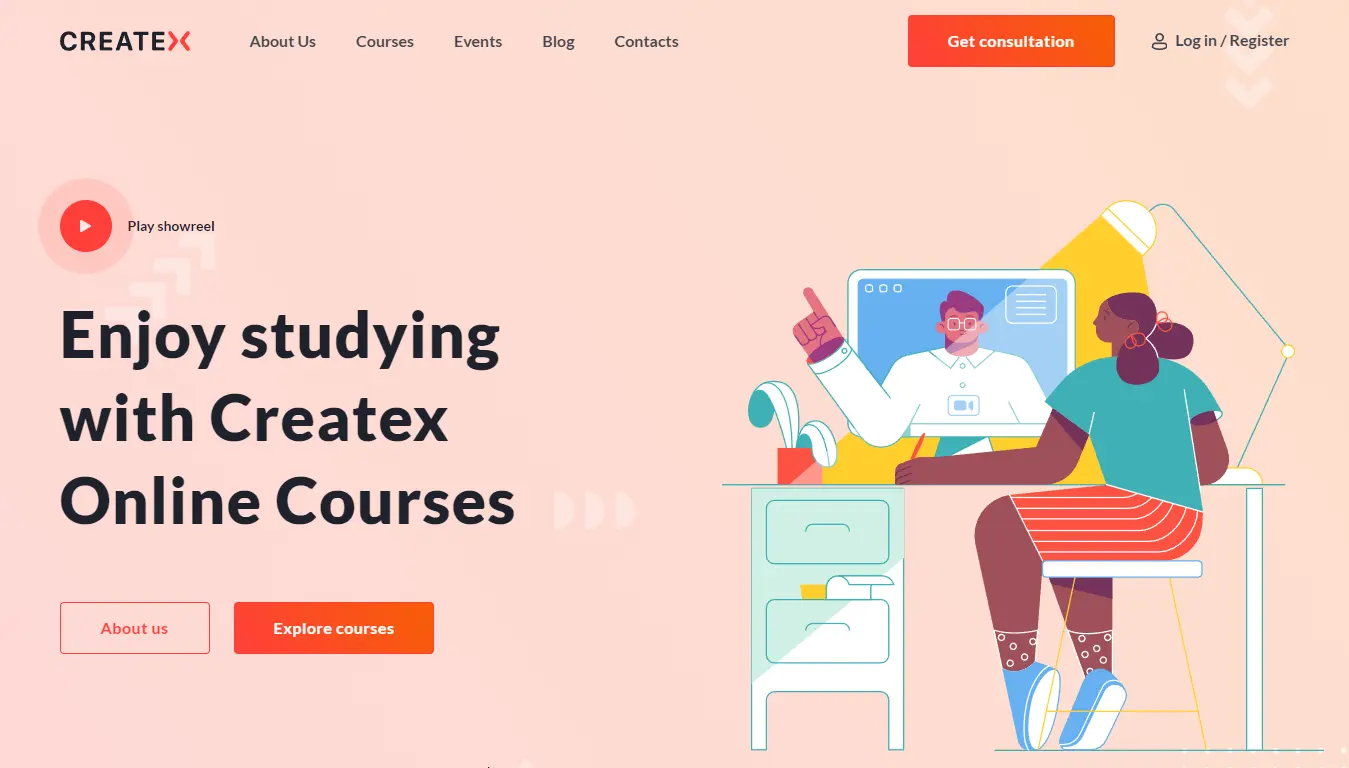
Practice Work
Responsive web-site with using VSCode and Figma
Practical work on creating sites for "Freelancer for Life" courses
Tech stack: HTML, CSS